Fashion
Prompt used“create a minimalist women's fashion store, neutral tones, lookbook-focused”
gallery
Every store below was born from a prompt. No rigid templates, no code.
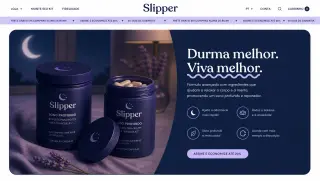
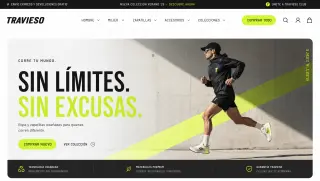
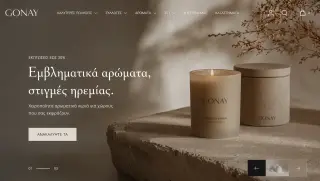
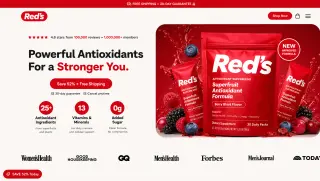
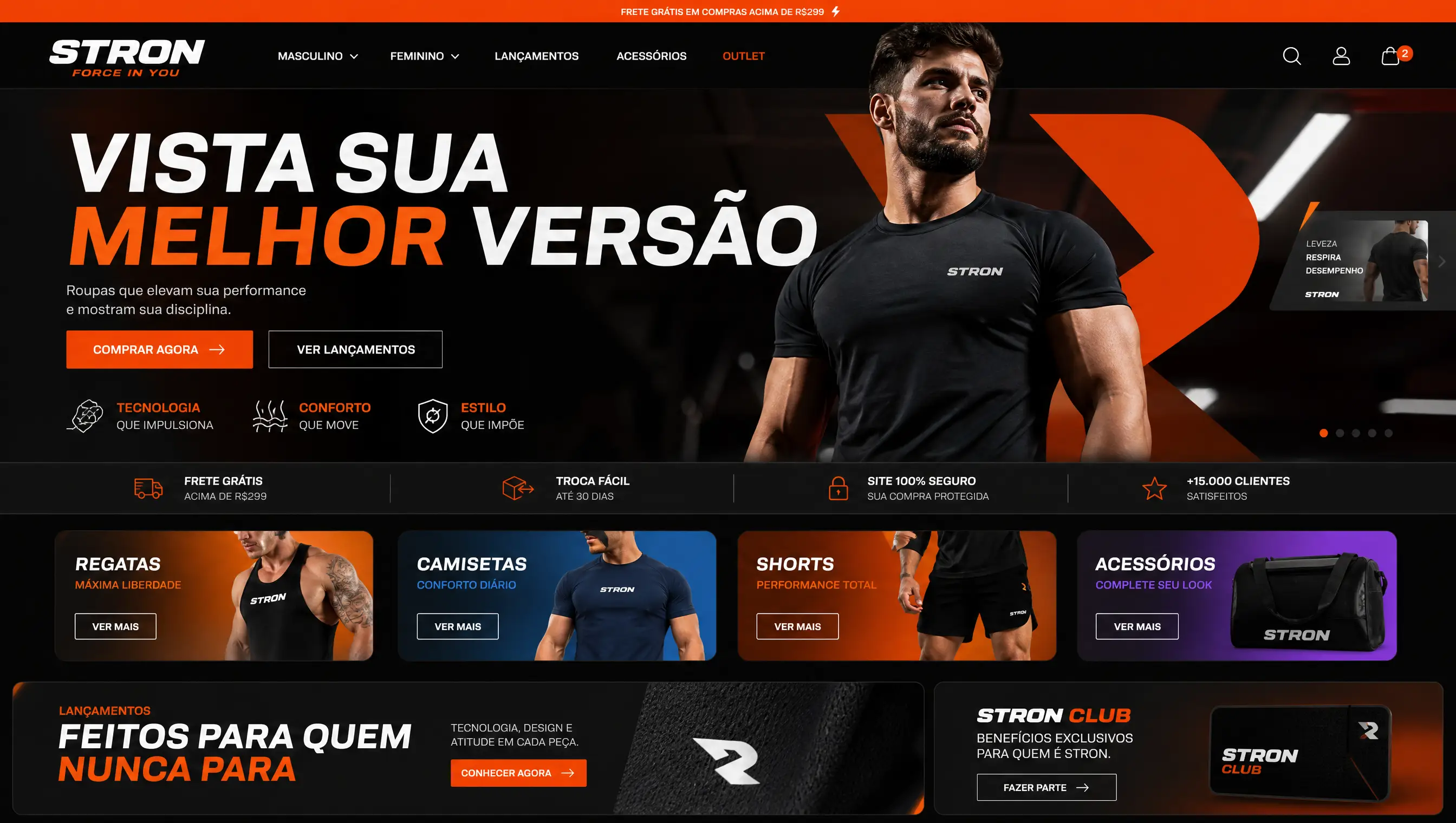
This gallery collects demo stores built on Horsee across different niches: fashion, supplements, beauty, home, electronics and pet. Each card shows the niche and the prompt that asked the AI for the store, so you can see what a short brief produces.
Use the filters to compare stores in the same niche. These are first-draft AI store examples: before selling, the merchant still reviews the copy, swaps in real photos and connects payments and a domain.
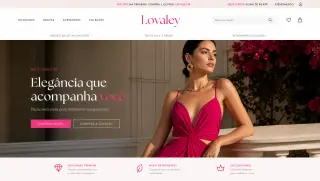
Prompt used“create a minimalist women's fashion store, neutral tones, lookbook-focused”
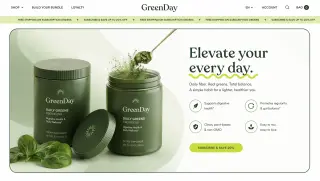
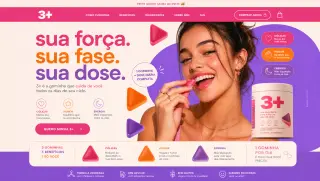
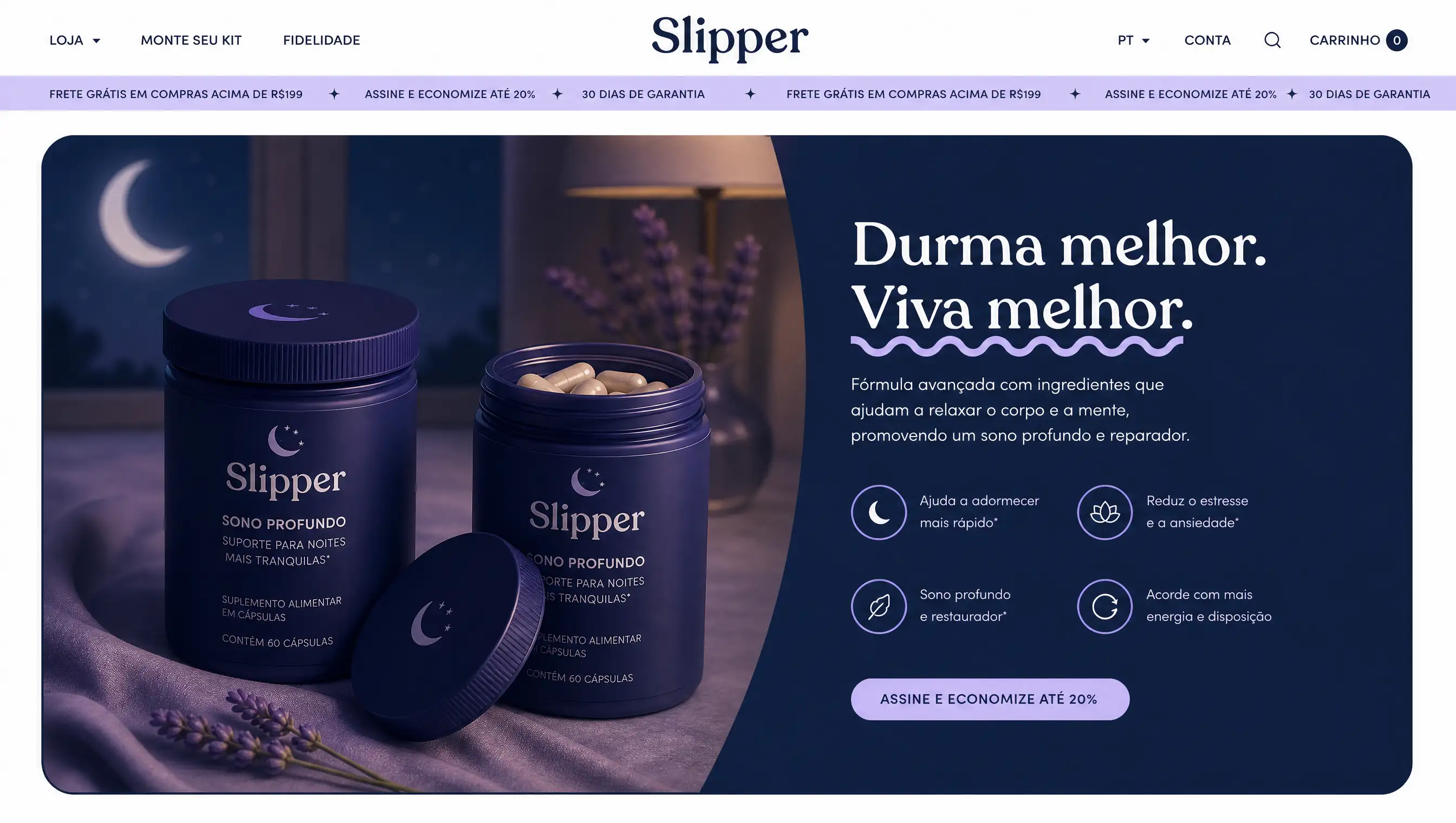
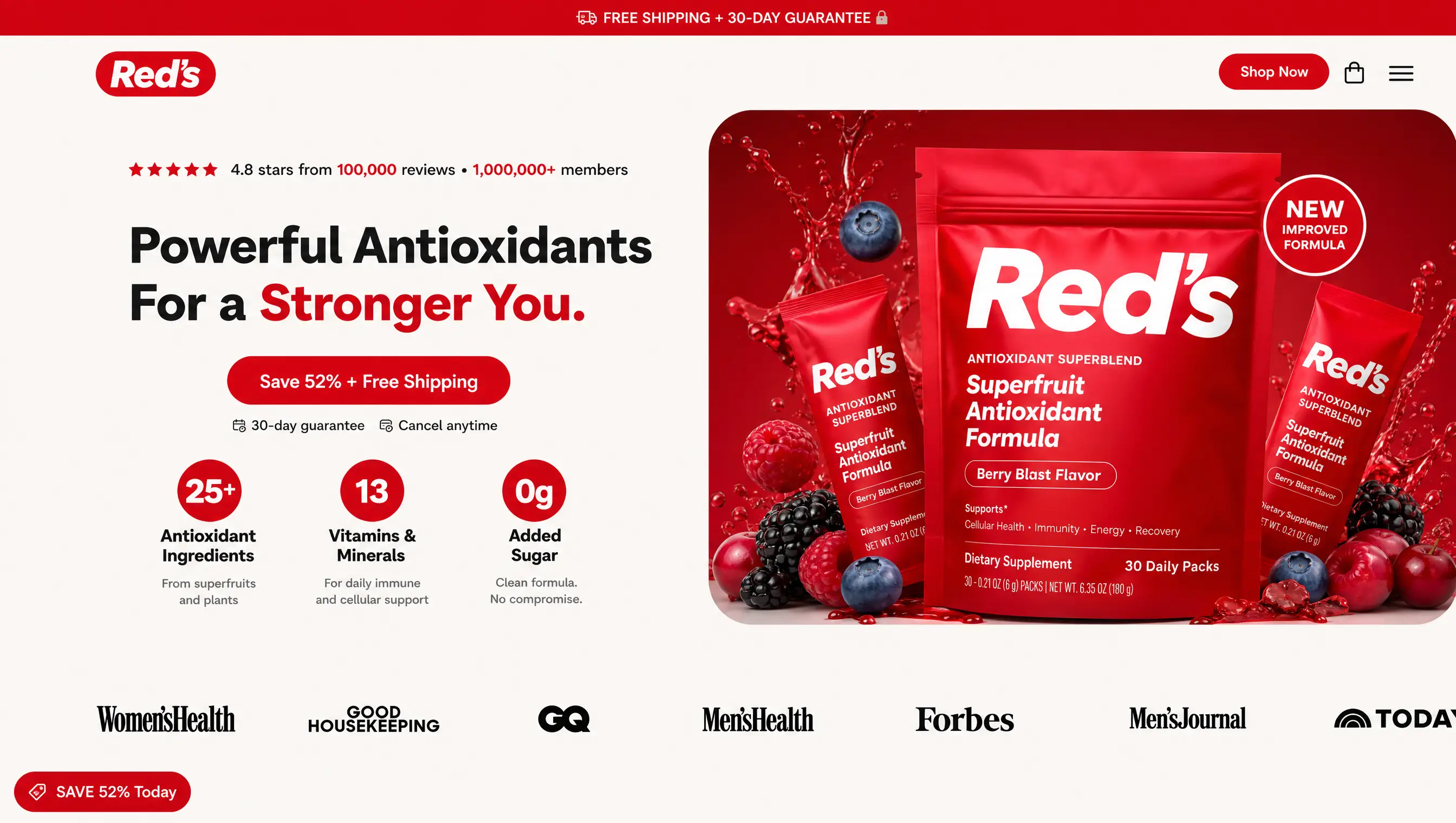
Prompt used“premium supplements store with a clinical look, trust badges and bundles”
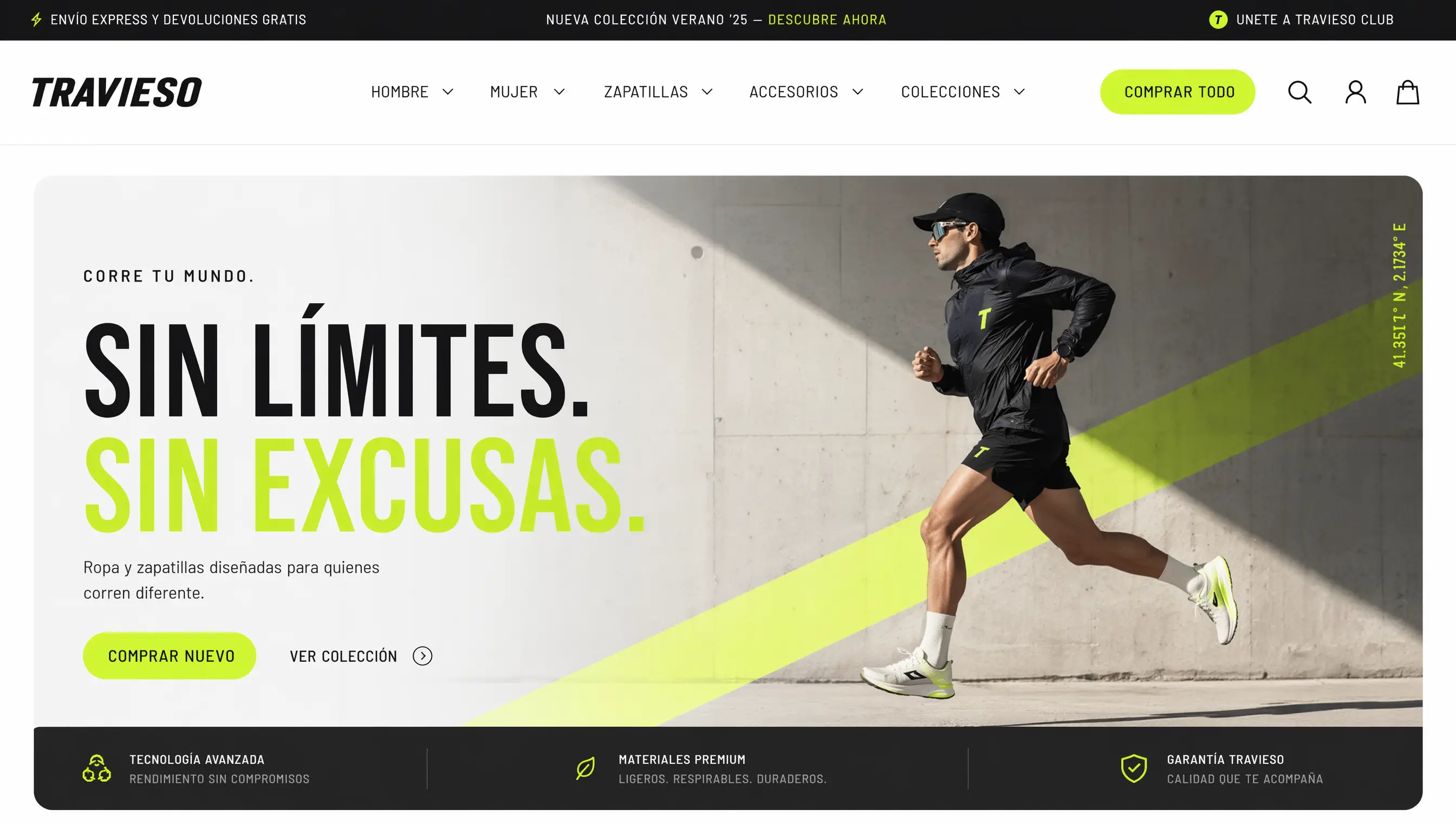
Prompt used“clean beauty skincare store, light and luminous, 3-step routine”
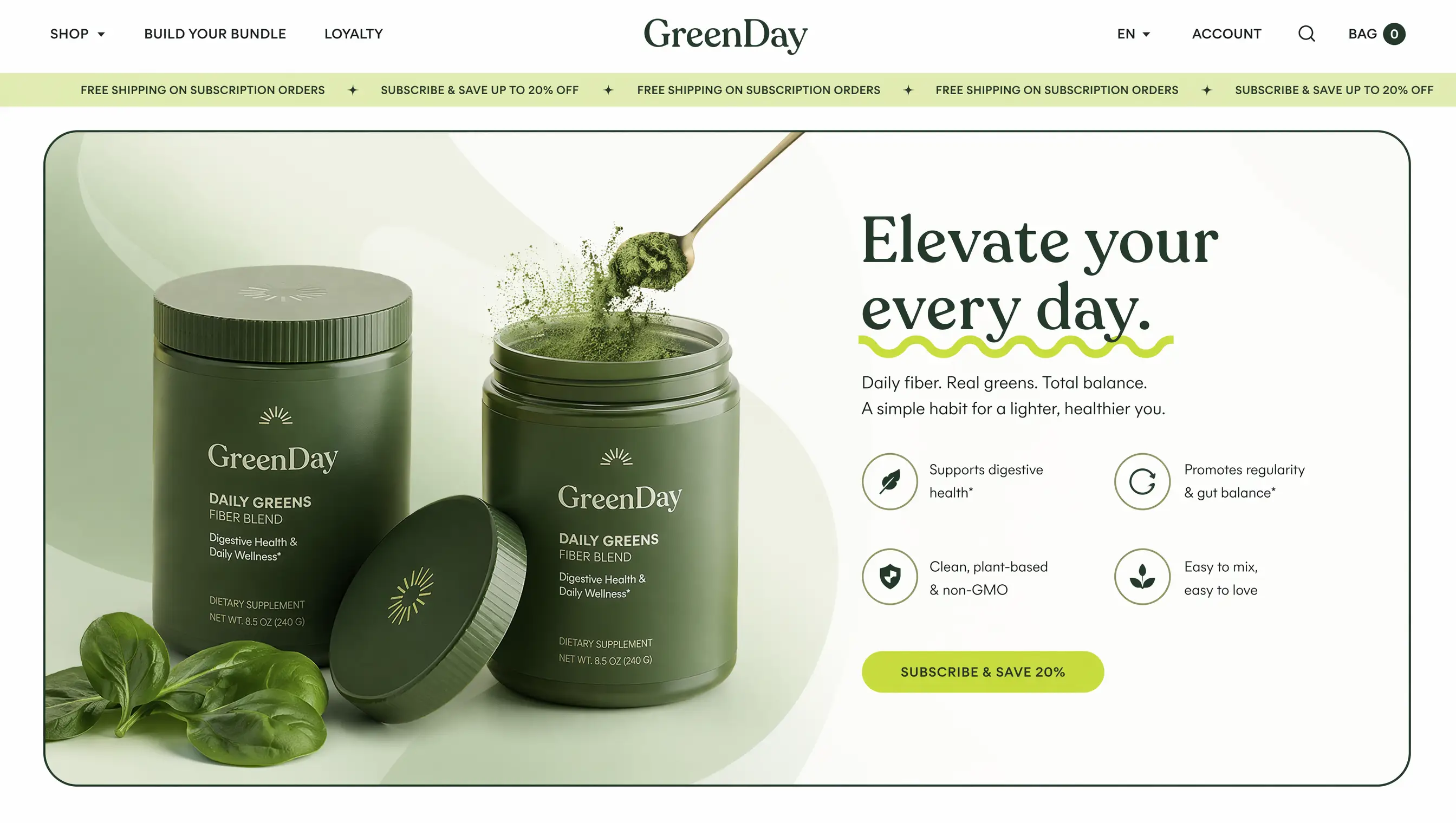
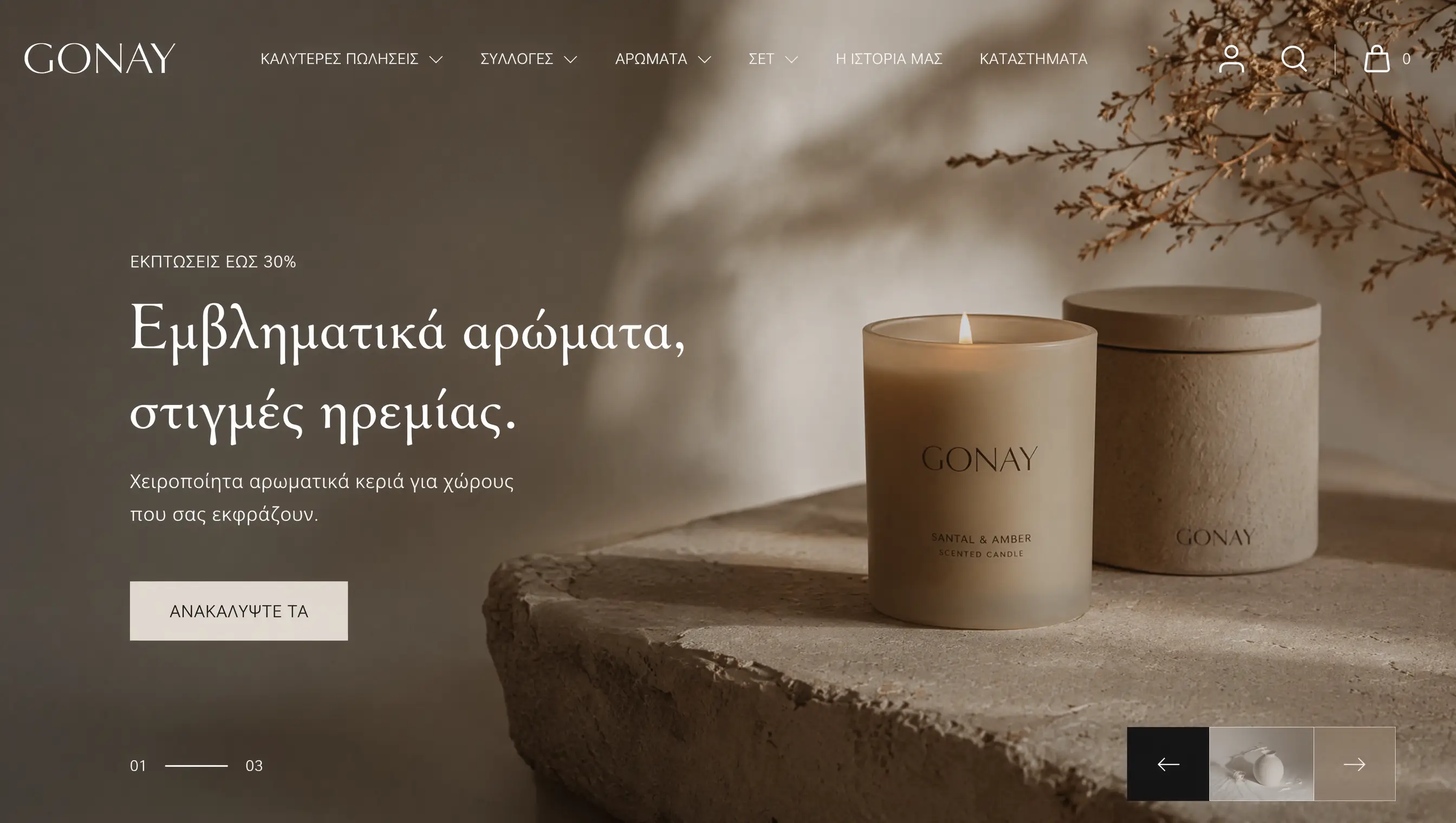
Prompt used“Scandinavian home & decor store with collections by room”
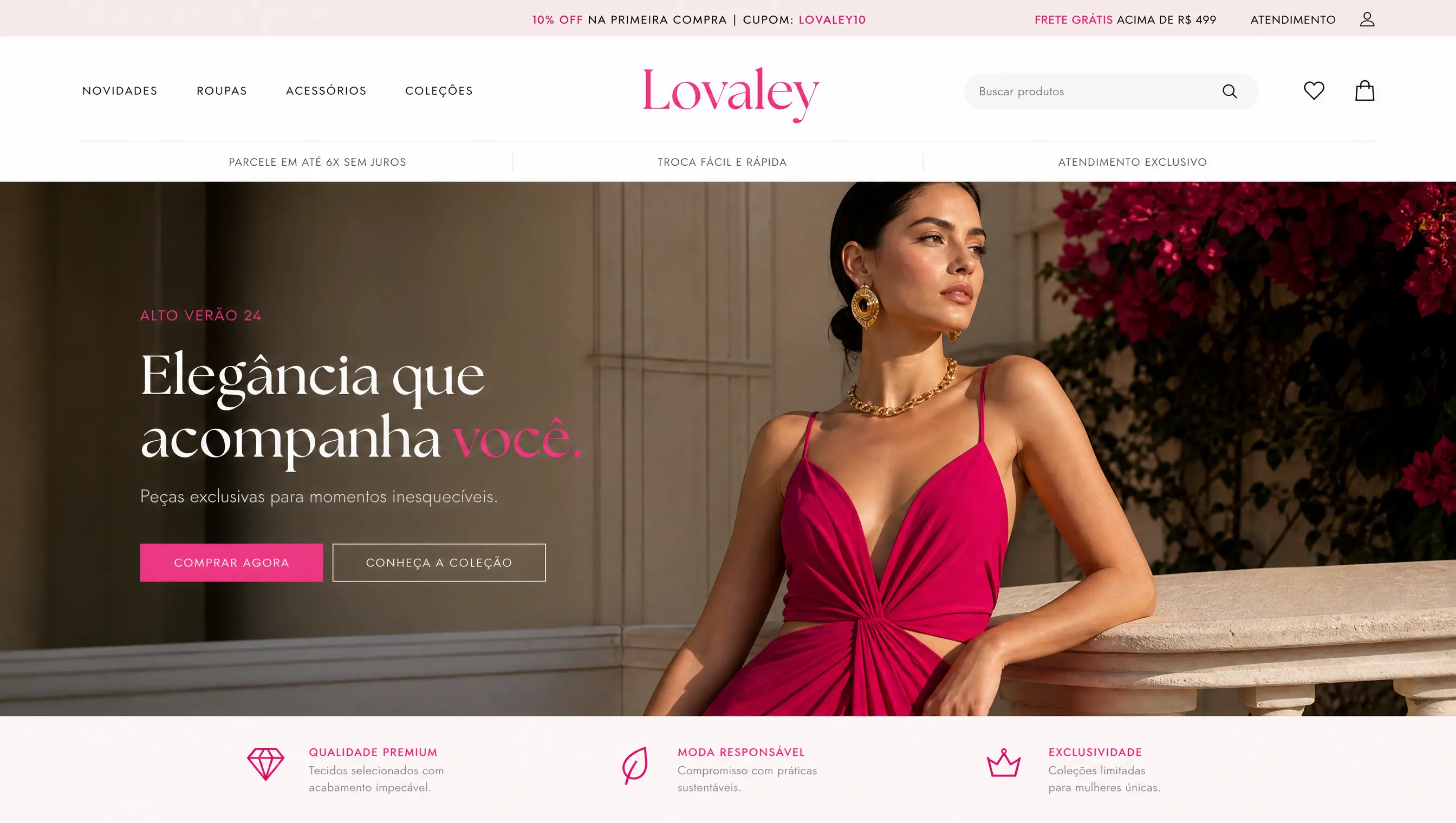
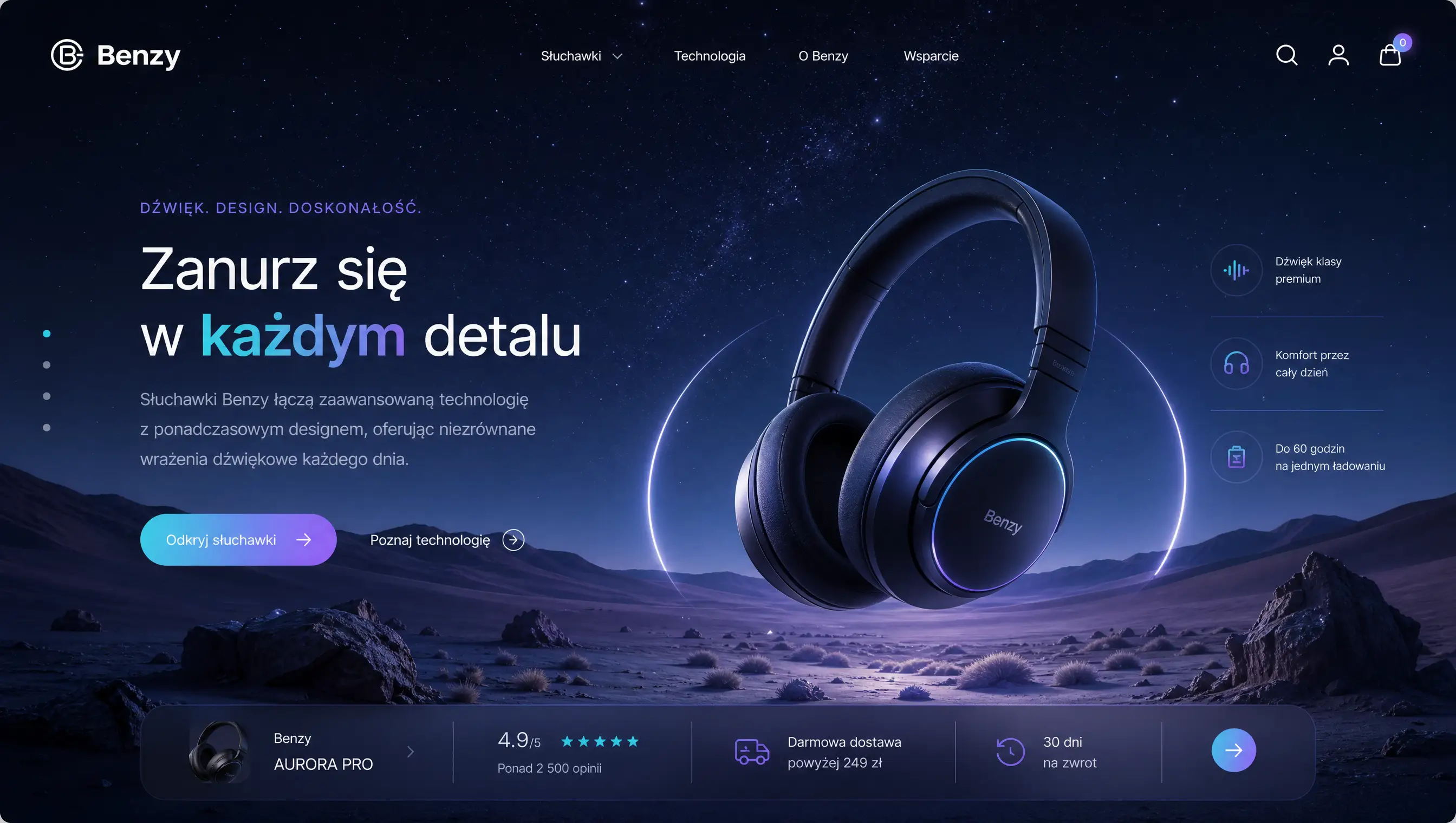
Prompt used“electronics store with a dark technical look and comparison sheets”
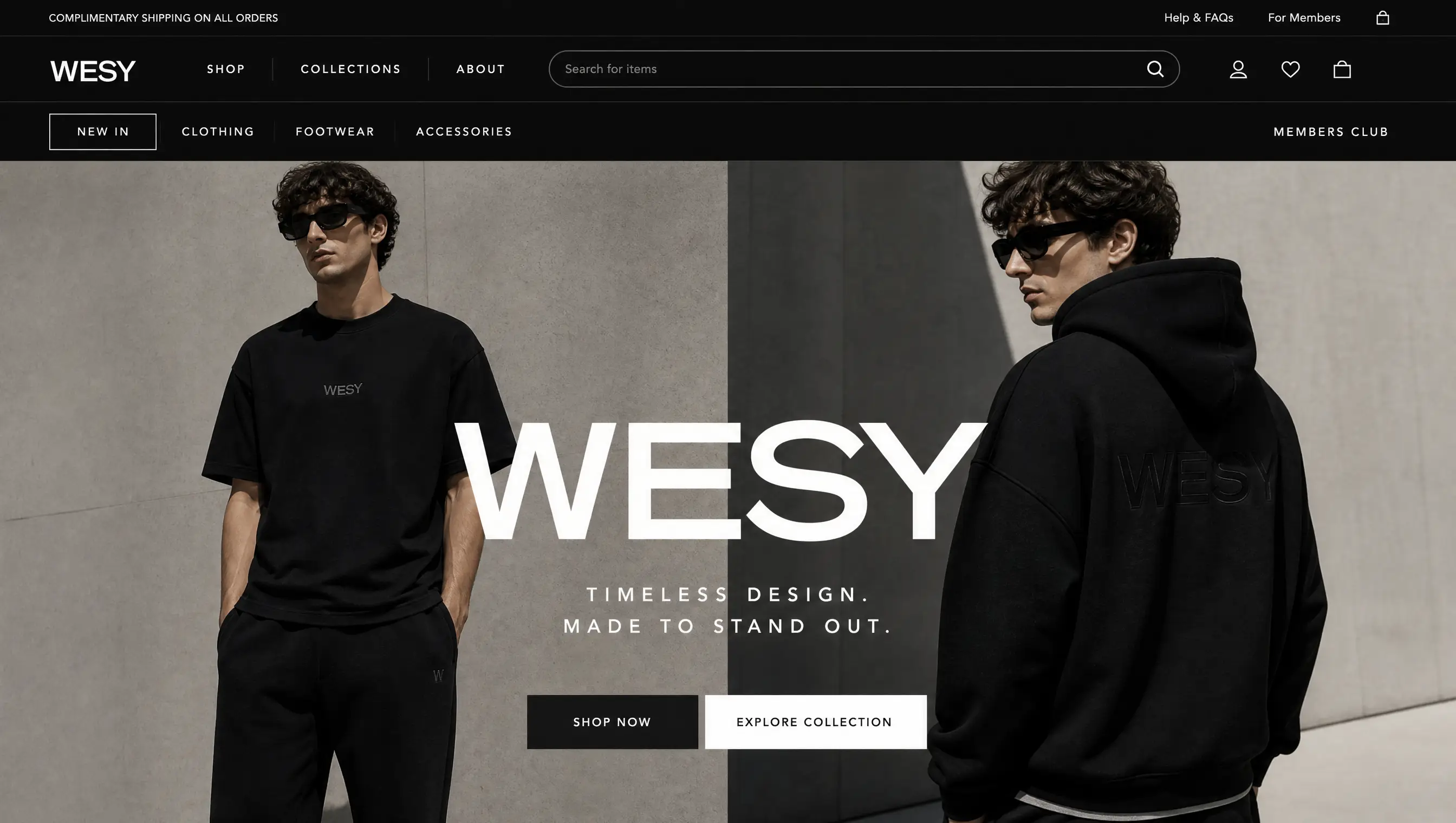
Prompt used“fun pet store with a monthly treats subscription”
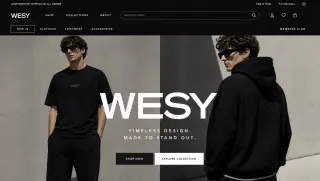
Prompt used“streetwear with limited drops and a countdown”
Prompt used“specialty coffee store with a subscription club and origin notes”
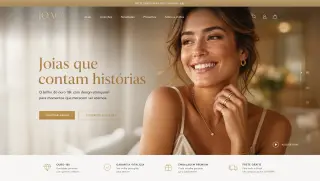
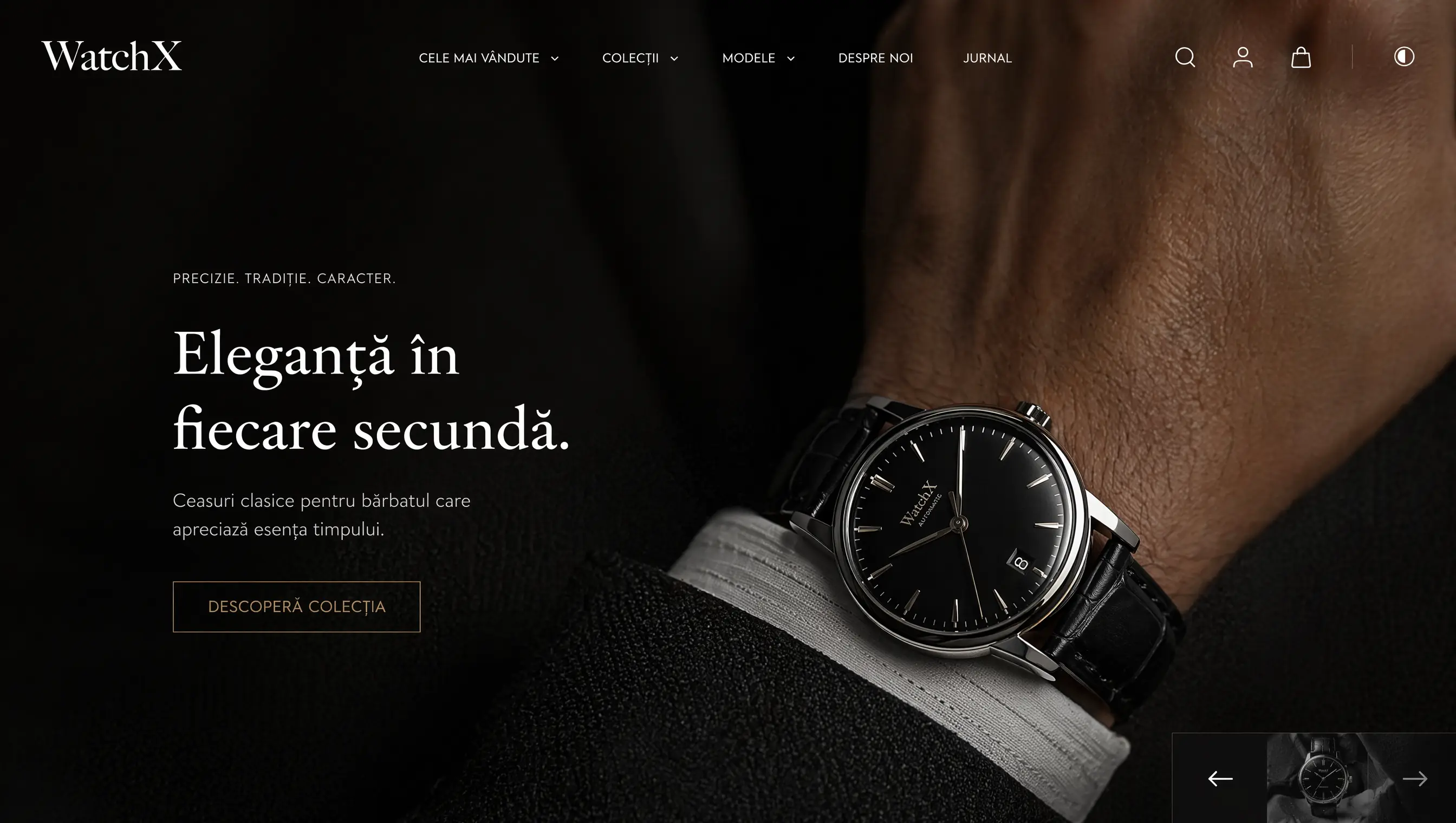
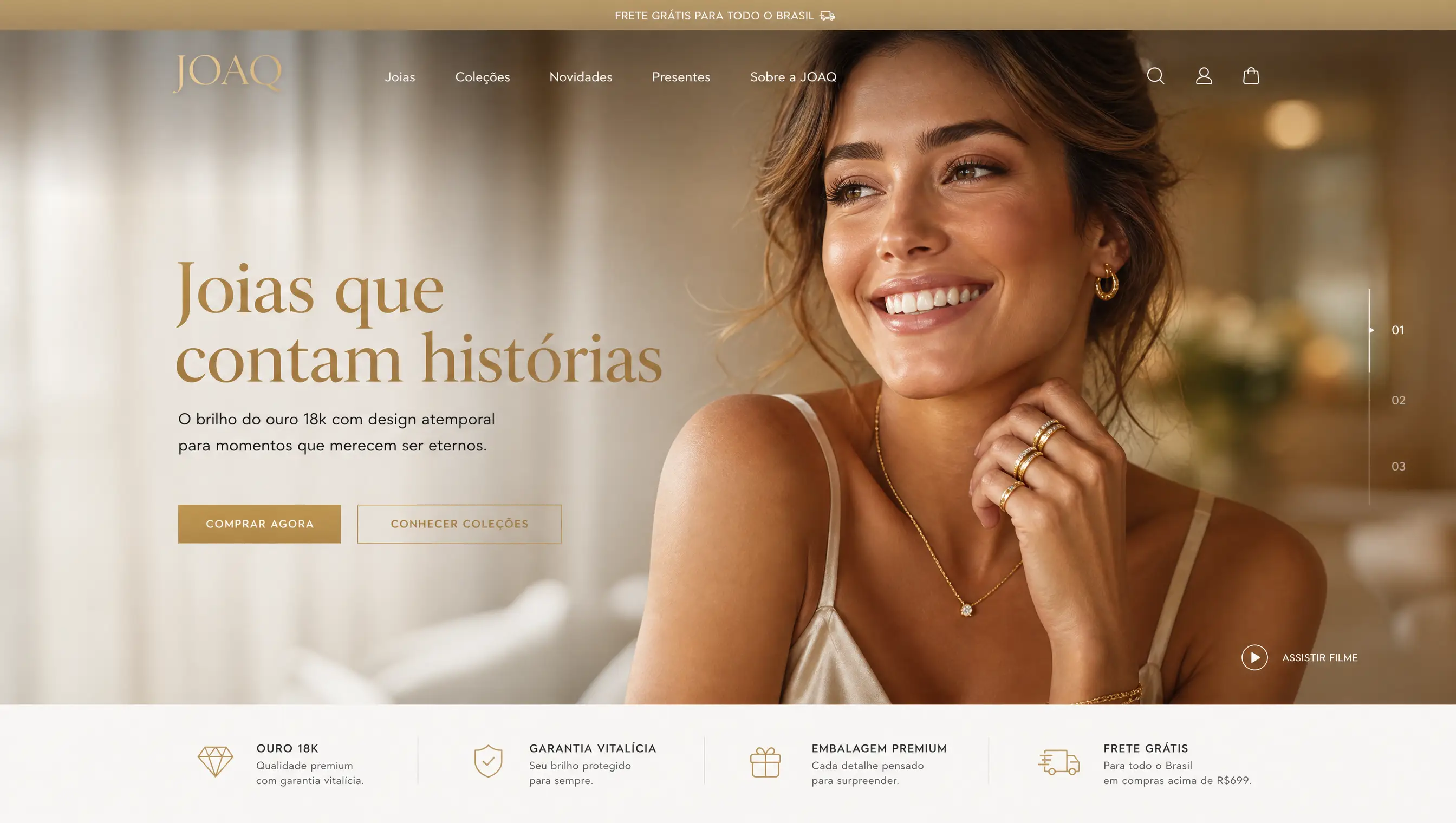
Prompt used“elegant artisanal jewelry with editorial photography”
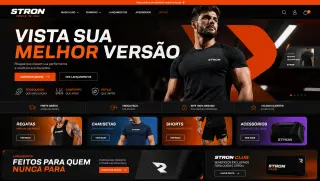
Prompt used“fitness store with workout bundles and a size chart”
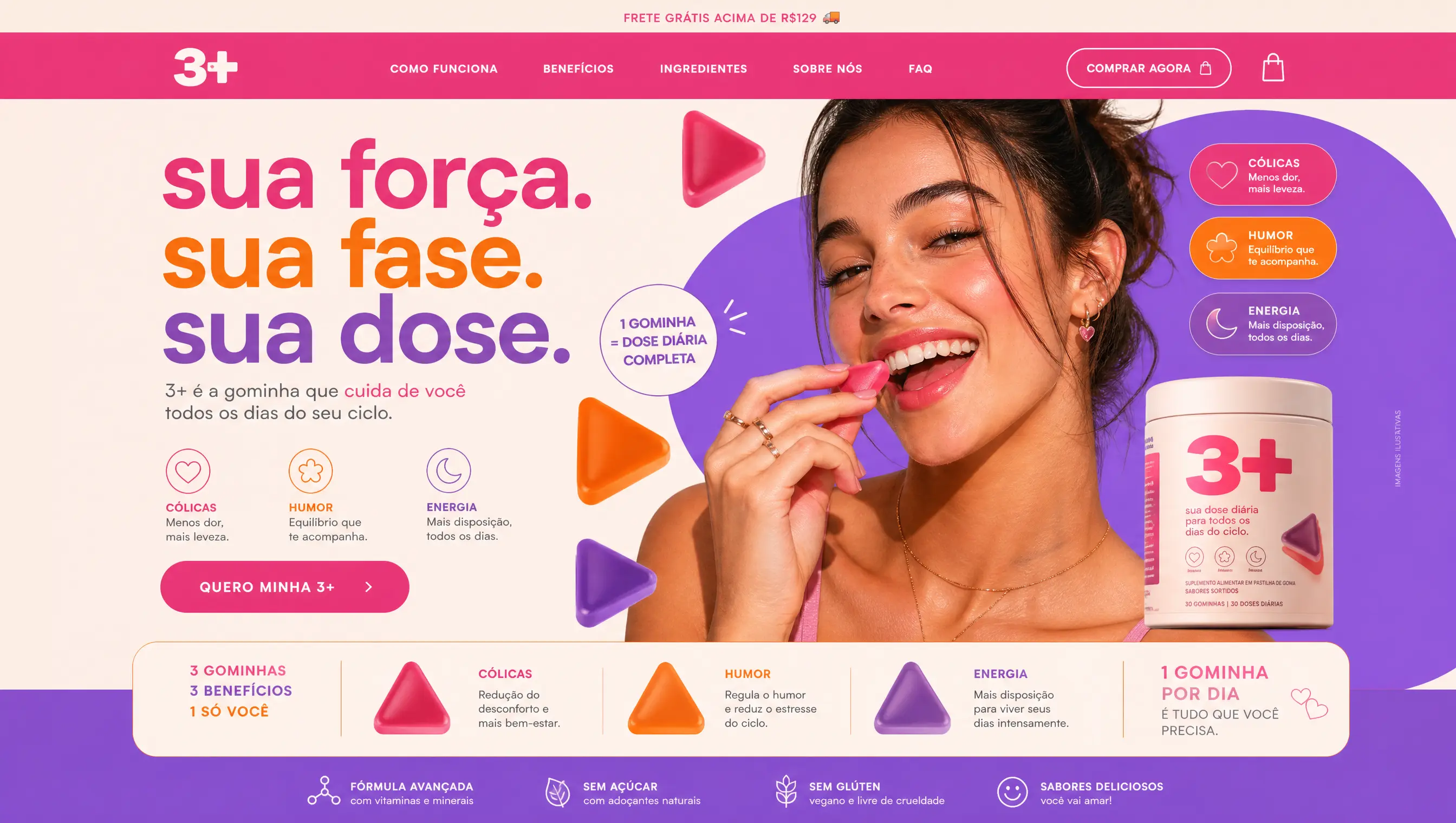
Prompt used“creative stationery with planner kits”
Prompt used“natural products store with a vegan seal and reviews”
In New store, the merchant picks Create with AI and writes the store name and a brief: the product, who it's for and the style.
The AI starts from a niche template and adapts the copy, colors, photos and starter catalog. Out come the home page, catalog, product page, checkout and policy pages.
With the store ready, the merchant asks for edits in the page chat or edits the code, then publishes on their own domain.
Prompts that name the audience, the style and a differentiator, like bundles, a subscription or a 3-step routine, produce stores with sections that sell that differentiator.
A supplements store calls for trust badges and bundles; a fashion store calls for a lookbook. Compare cards in the same niche to spot the pattern.
Every store can be edited later, by chat or in code. The prompt sets the first version, not the last one.
Like the structure of a site? Describe what you like in your prompt, or use Clone a link in New store to start from it.
It goes live in minutes, with checkout, tracking and cart recovery switched on from the very first order.