
AI creation
From idea to published page. By chatting.
You describe what you sell; the AI designs, writes and publishes — on your domain, with top-tier performance.
What is the Horsee AI store builder?
The Horsee AI store builder turns a short description of what you sell into a complete online store, ready to review and publish: home page, catalog, product page, checkout, thank-you page and the standard policy pages.
The AI starts from a template made for your niche and adapts the copy, colors, photos and starter catalog to your brand. You refine it by chatting with the AI, then publish on your own domain with hosting included.
Pages that don't look AI-made
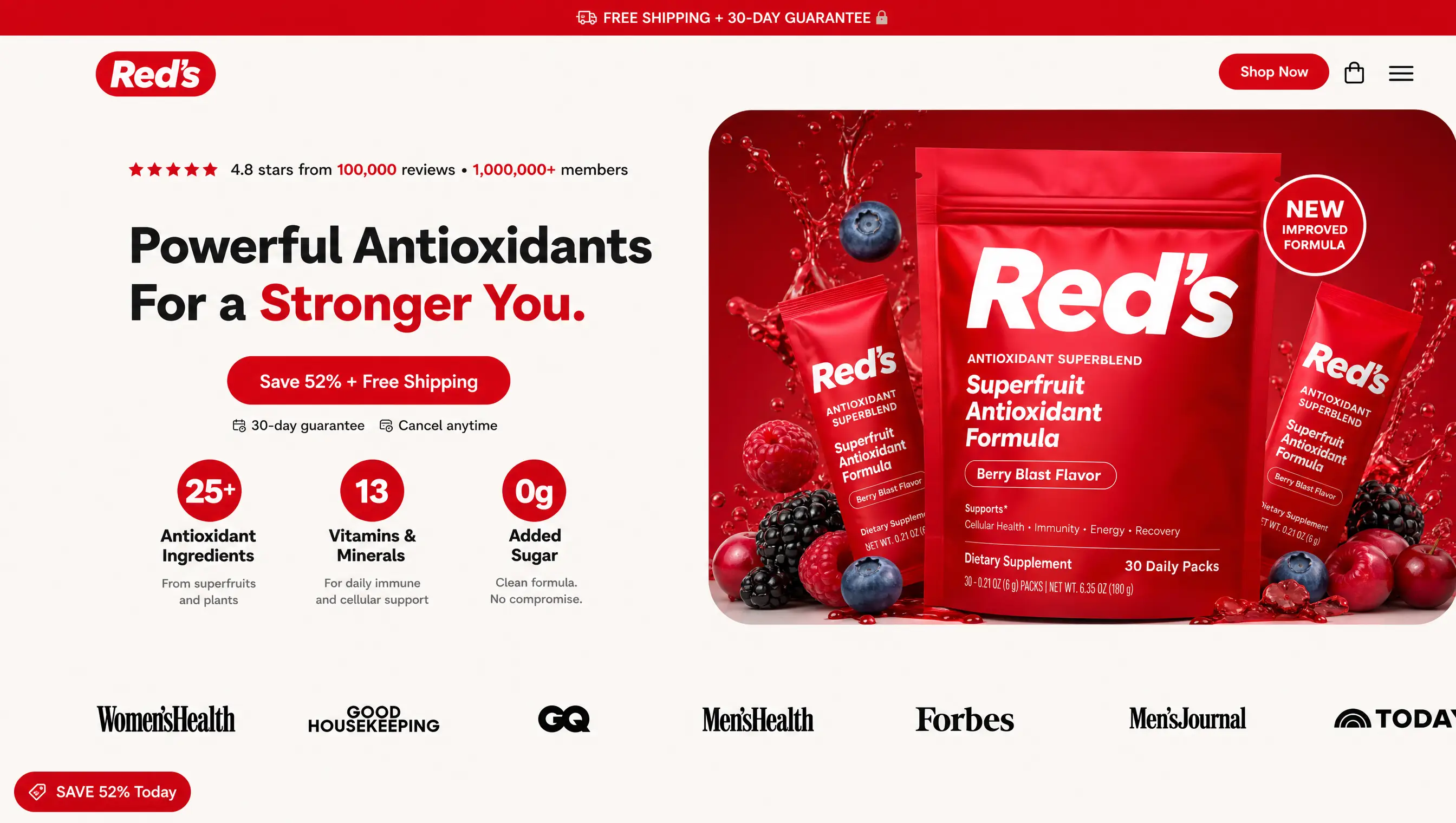
Design with hierarchy, contrast and motion — evaluated by a quality gate before it reaches you. No generic pages.
- Art direction by niche
- Images and copy in the product's context
- Automatic quality gate
Ready templates + chat-driven customization
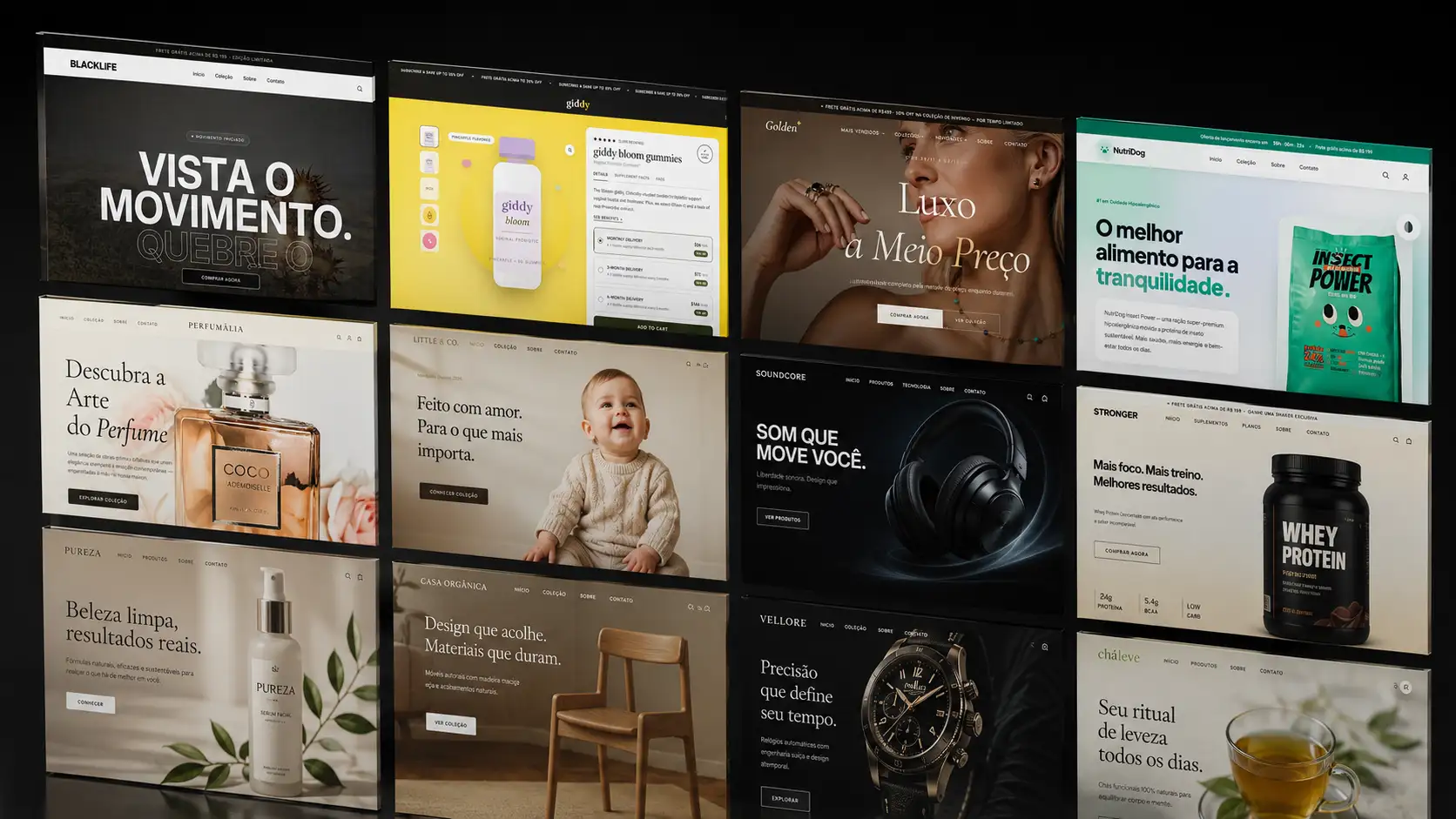
Start from a curated gallery and customize by chatting: swap the offer, a section, the tone — the AI applies it while keeping the design consistent.
- Gallery by niche and goal
- Prompt-guided customization
- Multi-page: home, product, thank you
Full freedom whenever you want
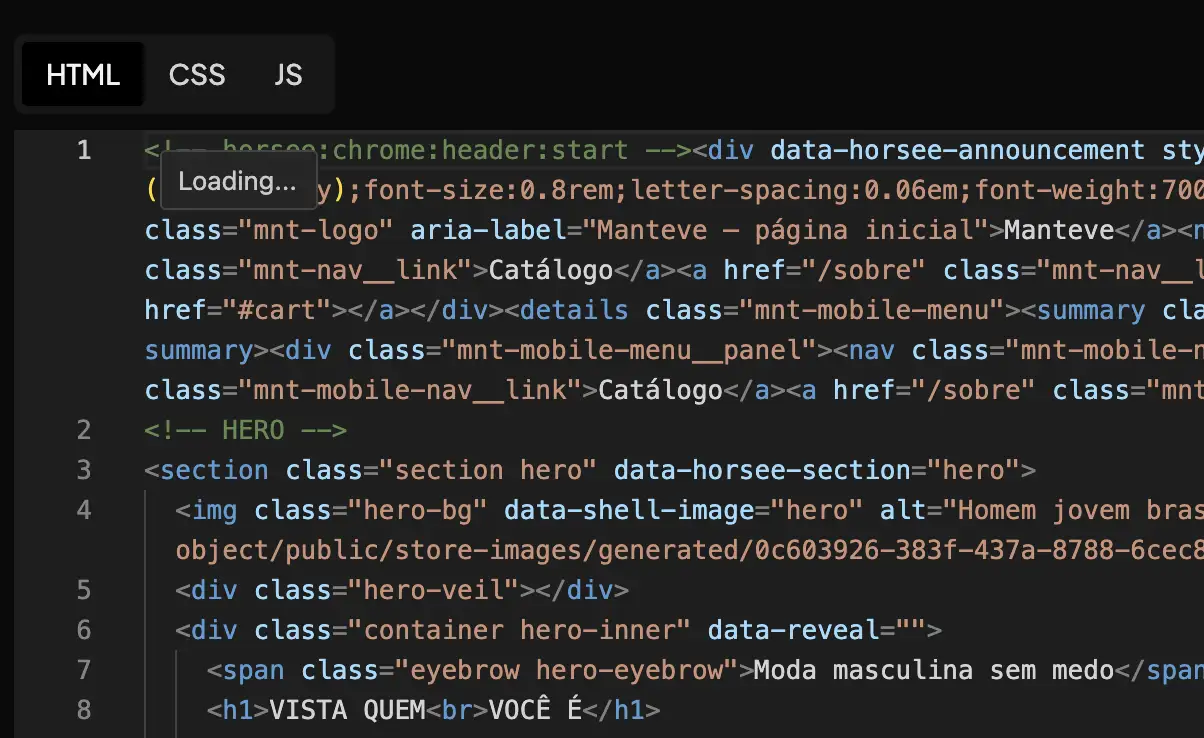
Visual editor and raw mode (HTML/CSS/JS) for those who want pixel-level control — without fighting the platform.
- AI chat on every page
- HTML, CSS and JS for developers
- Mobile and desktop preview
How the AI store builder works
- 01
Open New store
In your dashboard, click New store and pick Create with AI. You can also start from a Template, use Clone a link to start from a reference site, or Import HTML.
- 02
Describe what you sell
Give the store a name and write a short brief: the product, who it's for and the look you want. The more specific the brief, the closer the first version gets to your brand.
- 03
Watch it build
The AI lays out the pages, writes the copy, generates the catalog photos and shows its progress as it works. Your store is ready in minutes.
- 04
Refine and publish
Ask for changes in the page chat, like swapping the hero image or tightening a headline, or edit the code directly. When it looks right, publish and connect your domain.
Who it's for
First-time store owners
You have a product and don't want to spend weeks picking a theme, writing copy and building pages. Your store arrives ready for review.
Product testers running paid traffic
Launching a new store to validate a product or a niche stops being a long project. Describe it, review it and start running ads.
Agencies and multi-store operators
Build stores for different brands in one account, and save a finished store as a template to reuse the same structure next time.
What's included
- Home, catalog, product page and checkout, already linked together
- Thank-you, contact, about, privacy, terms and returns pages
- Copy, photos and a starter catalog written around your product
- A shared header and footer across every page
- AI chat inside each page for edits
- Full access to each page's HTML, CSS and JS
- Mobile and desktop preview before you publish
- Publishing on your own domain, with SSL and hosting included
Frequently asked questions
Do I need to know how to code to build a store with AI?
No. You describe what you sell, the AI builds the store, and you ask for changes in plain English in the chat. The code for every page is there if you want it, but you never have to touch it.
Will an AI-built store look generic?
The AI starts from a template designed for your niche and adapts the copy, photos and colors to your brand, and pages go through a quality check before they reach you. Still, review the copy and replace sample photos with real product shots before you run ads.
Can I use an existing site as a reference?
Yes. In New store, choose Clone a link and paste the URL. Horsee rebuilds the structure, colors and sections as a starting point. Replace the copy, branding and images, since third-party content is protected.
How much does the AI store builder cost?
Building a store uses AI credits, which come with the free trial and with every plan. Prices and what each plan includes are on the pricing page.
Can I change everything later?
Yes. Every page can be edited through the chat or in code. Your brand settings (logo, colors and fonts) live in Settings → Brand and apply to the whole store.
Help Center guides
Related guides



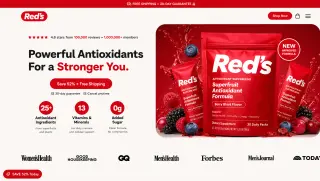

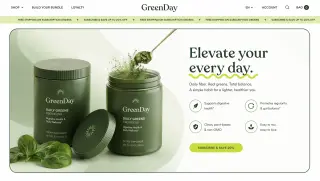

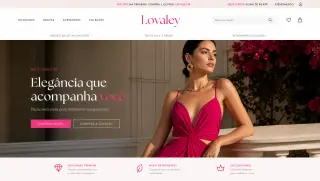
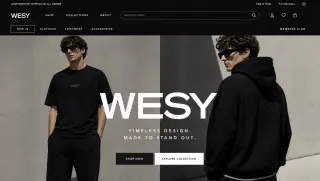

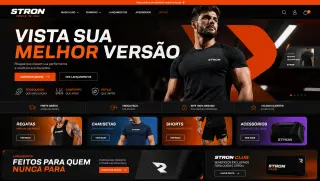
Describe your product. Your store comes out ready to sell.
It goes live in minutes, with checkout, tracking and cart recovery switched on from the very first order.